
Introduction
Building websites has never been simpler in today’s digital world and WordPress remains at the forefront. If you need assistance installing WordPress, this updated 2026 guide offers step-by-step guidance with an approach that’s user friendly & beginner friendly!
Whether you are a business owner, blogger, or startup founder, this article will give you everything you need–from setup to optimization–and help you decide when to hire a wordpress developer for better results.
The basics of WordPress in 2026
WordPress has grown into a robust website building platform which supports all kinds of blogs to advanced applications. It’s free, adaptable and regularly modified to be in line with modern internet standards.
By 2026, WordPress is expected to improve its efficiency, enhanced security features and AI-powered tools that allow content to be created more efficiently. WordPress remains the best choice for people who require complete control of their websites.
Knowing how to install wordpress is the initial step towards establishing a solid online presence.
Why WordPress is Still the Best Choice
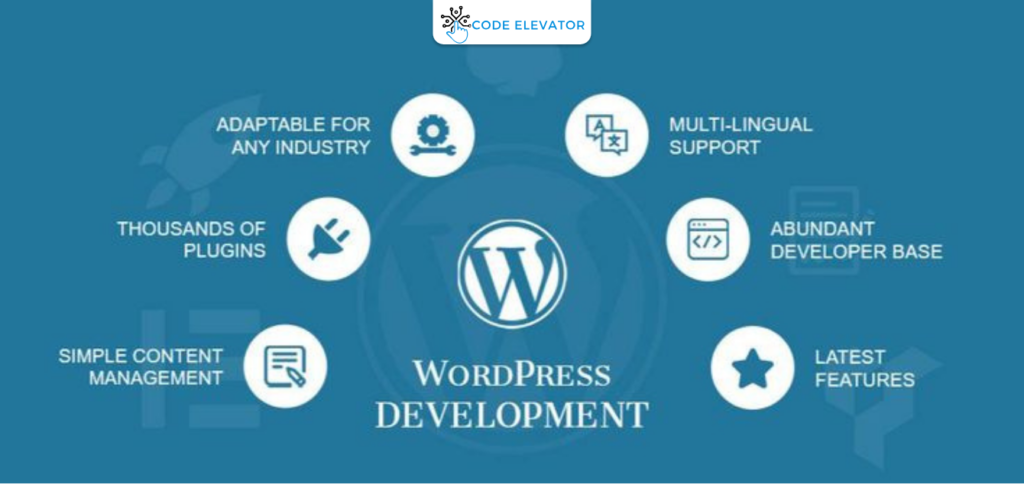
WordPress remains the most popular due to its unrivalled capacity and flexibility. No matter if you’re creating an uncomplicated website or complicated platform, WordPress adapts easily.
It can also work with thousands of themes and plugins, permitting you to personalize your website with no programming. It is ideal for professionals and beginners alike.
If you are looking for the long-term development of your business, then choosing WordPress is the best choice for 2026.
Important Requirements Prior to Installation
Prior to beginning the installation process, you must have certain things set up. These fundamentals will help you to have a flawless installation and prevent the possibility of making mistakes in the future.
- Domain names that represent the brand you are
- Web hosting that is reliable, with high performance and speed.
- Hosting dashboard access (like the custom panel or cPanel)
- Understanding of the basics of navigation through websites
The moment you have these in place, it can make the procedure of installing WordPress more simple and speedier.
Instructions for Manual Installation for Expert Users
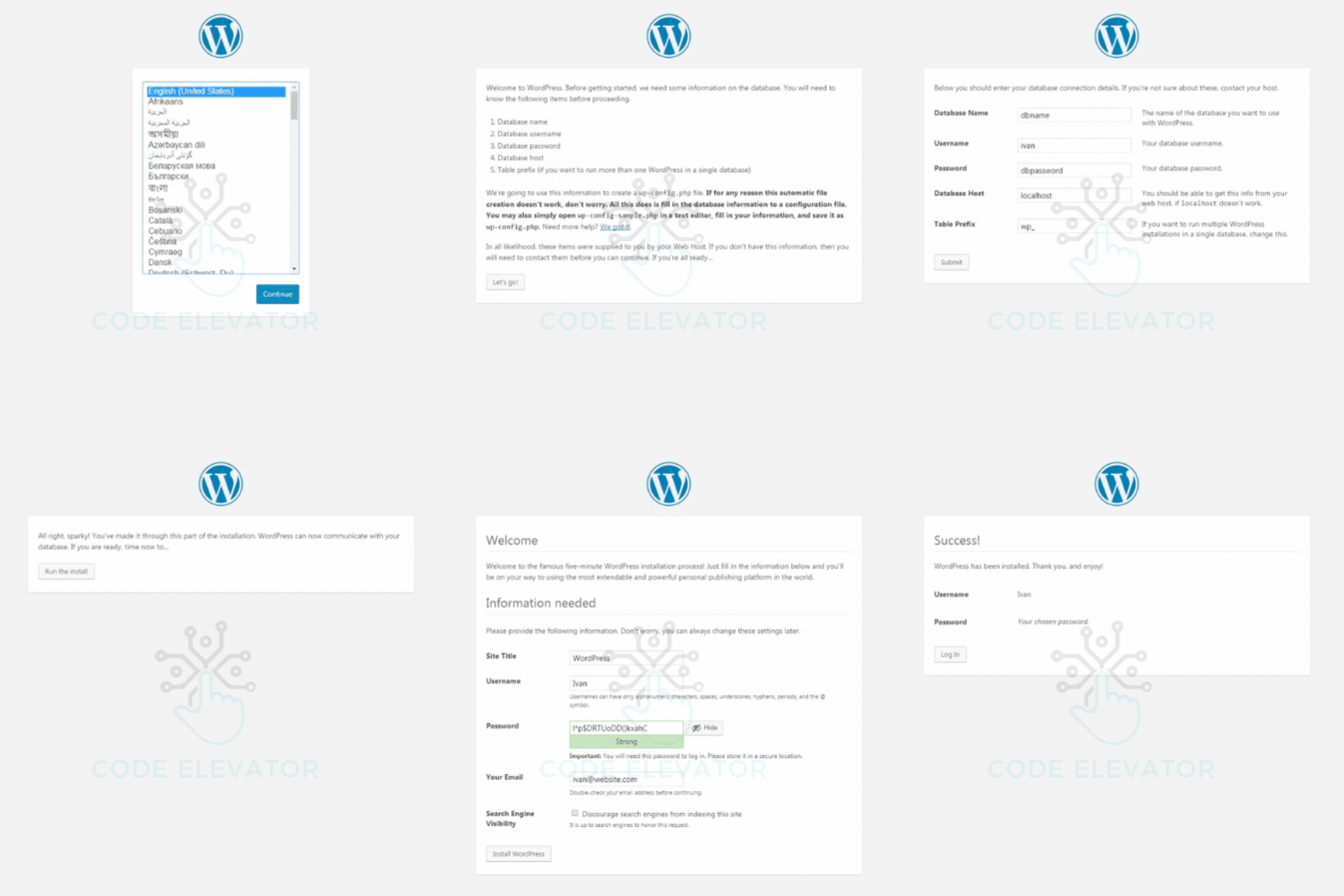
Manual installation provides you with complete control of the website’s setup and is the preferred choice of the developers. This requires the downloading of WordPress as well as uploading your files as well as connecting your database.
It is necessary to set up a MySQL database and connect to it when installing. Although it sounds complicated, it is flexible for modification.
If you’re unsure of the procedure, it’s best to hire a wordpress developer to avoid mistakes.
Key Settings After Installation
When WordPress is set up, setting fundamental settings is essential for SEO and performance. Small changes could be significant.
Make sure you update your website’s title, tagline as well as the timezone. After that, adjust your permalink settings to ensure that your URLs are tidy and easy to search.
Correct configuration of your website ensures it has the best possible rank and experience for users right from day one.
Selecting the right theme to Your Web Site
The design of your website is contingent on the theme that you pick. The best themes improve users’ experience, speed as well as SEO performance.
Choose themes that are light responsive, mobile-friendly and frequently up-to-date. Beware of themes with heavy content that can cause slowdowns to your website.
Professionally designed designs help to build trust, particularly when you are planning to expand your online business.
Must-Have Plugins for WordPress
Plugins can add additional functionality for your site and boost efficiency. But, choosing the appropriate plugins is essential.
- SEO plugin to improve ranking
- Security plugin that will protect your website
- Backup plugin to protect data
- A cache plugin that speeds up loading speeds
Making use of the best plugins for your site will improve the performance of your website without impacting speed.
SEO Optimization after Installation
Following the installation of WordPress after installing it, optimizing your website for search engines is vital. It is the point where your website begins to rank in Google.
Make use of your primary keyword for how to install WordPress naturally in the headings as well as content. Make sure to optimize images, include meta descriptions and ensure correct heading structure.
SEO is a continuous process. Therefore, regular adjustments and updates are essential to increase exposure.
7. Most common mistakes beginners should avoid
A lot of beginners commit simple errors that can affect site performance and increase its growth. By avoiding these mistakes, you can save time and effort.
- Poorly constructed passwords, and insecure security techniques
- It is not wise to install too many unnecessary plugins.
- Do not pay attention to backups of websites
- Selecting hosting companies with low-quality
Be cautious from the beginning will ensure that your site runs without a hitch and is secure.
Conclusion
It is now clear the steps to install WordPress and create your web site for 2026. If you follow the correct method it is possible to create speedy, secure and SEO-friendly site.
Concentrate on high-quality content as well as user-friendly experience as well as regular updates to increase your website’s popularity. WordPress provides the necessary tools to achieve the success you want to achieve.
If you’re seeking speedier results and an expert setting up, opting to engage a WordPress developer could be an excellent decision for your company.
💡 Ready to grow with Code Elevator
📞 Book Your Free Call – Talk to our Expert
📧 Email: sales@codeelevatorsolutions.com